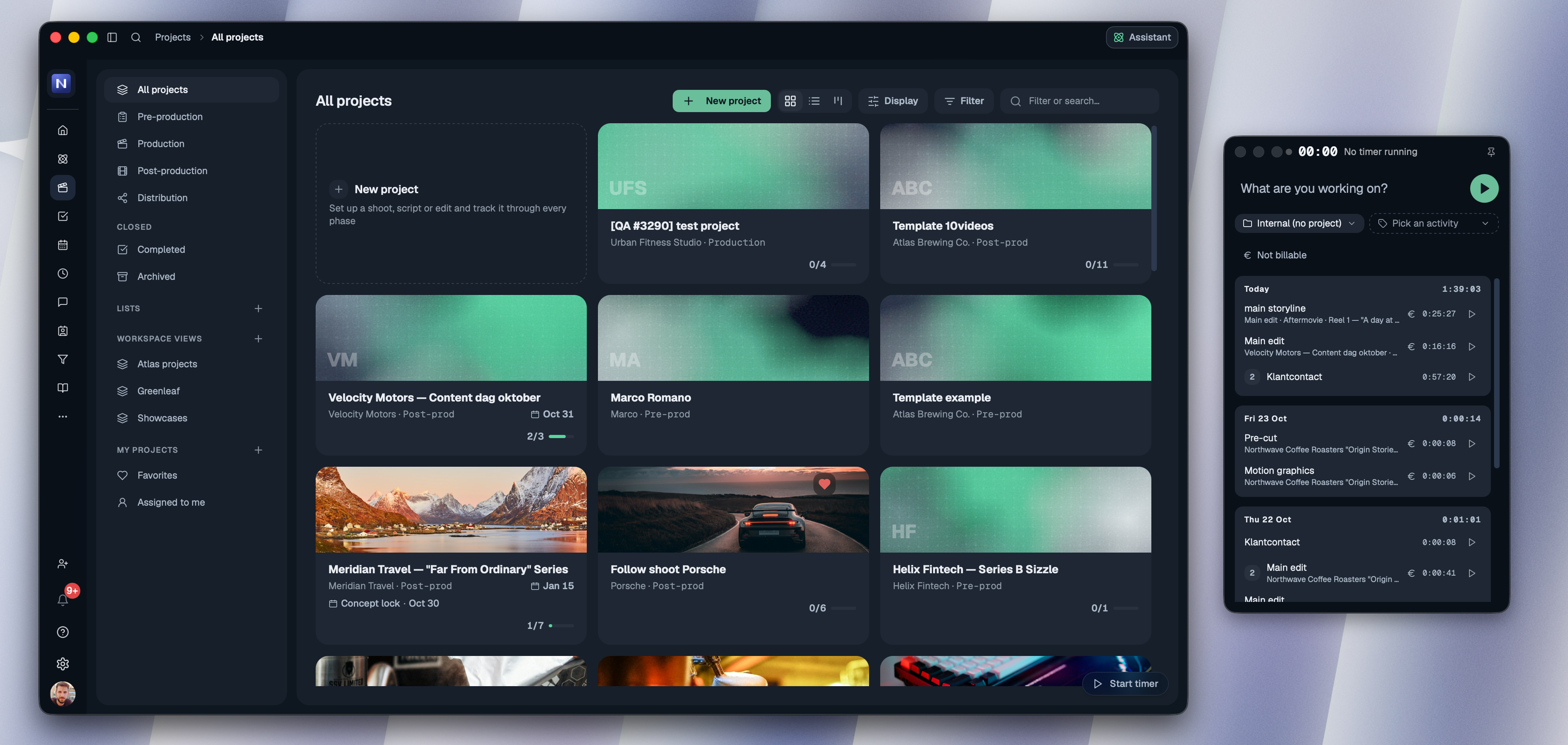
Say hello to our new timer
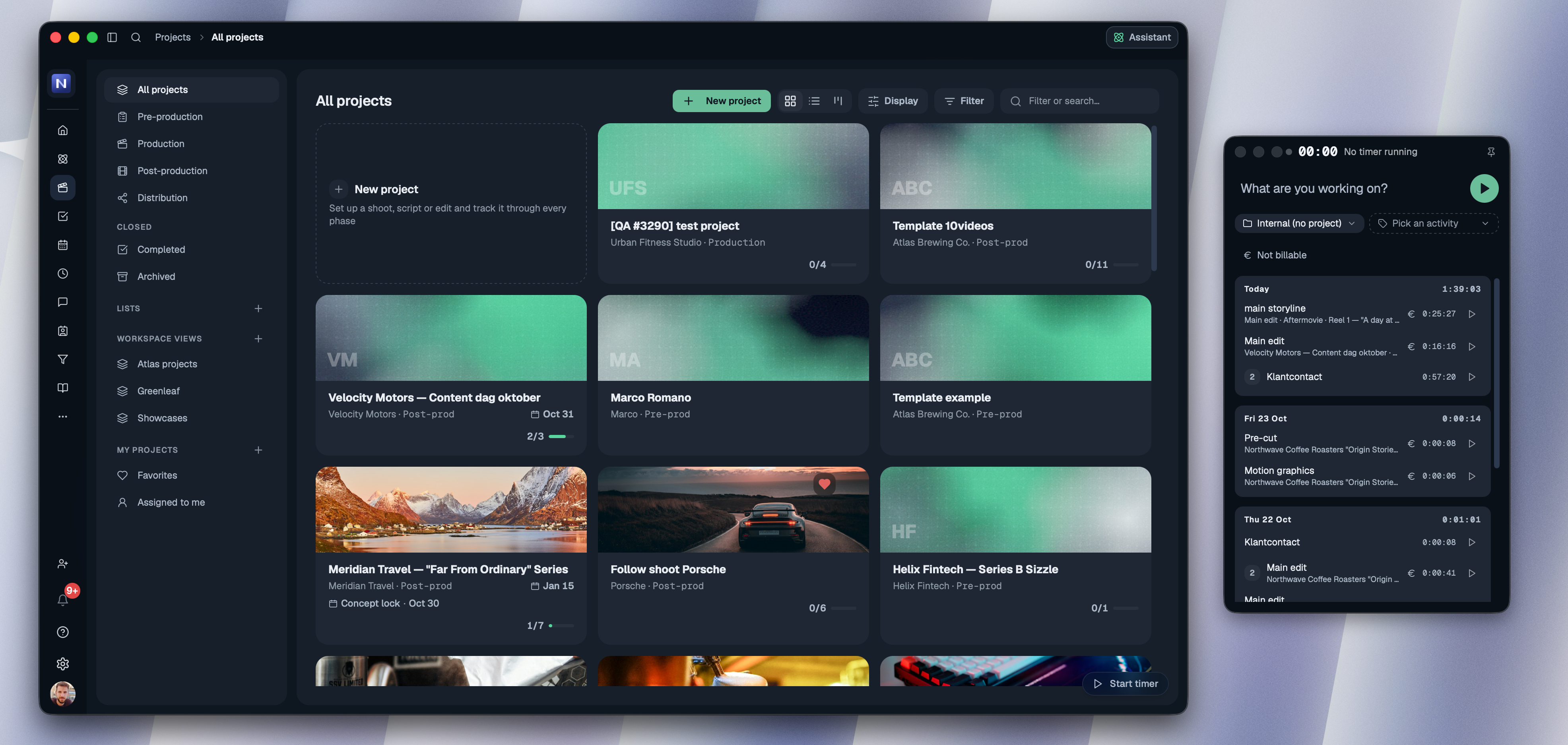
The timer is getting its biggest update yet, so it will look different the next time you open it. Here's what changed.
Track, change and restart in one place
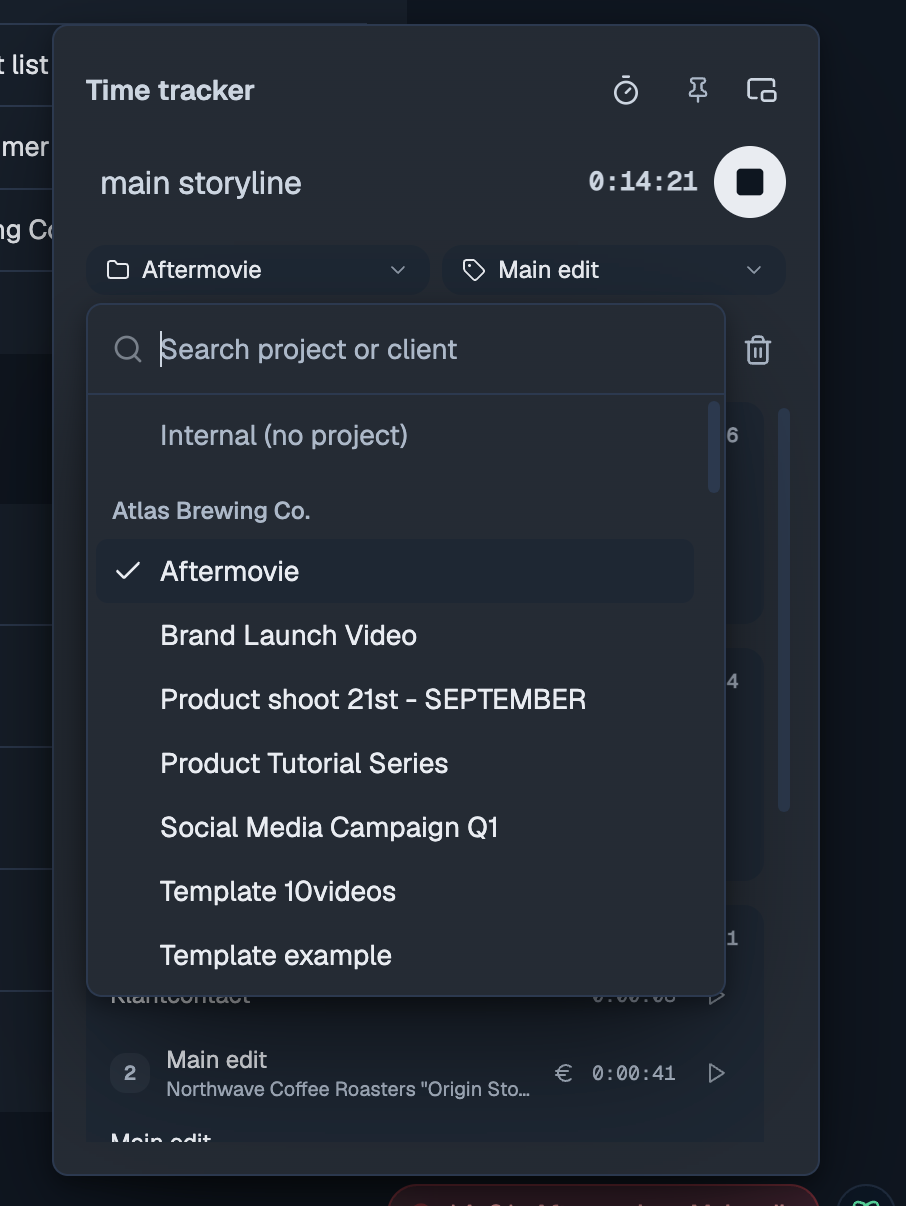
One bar with your note, the clock and a start/stop button. Your day is listed underneath, with repeated work folded into one row.
Change anything while it runs: the note, the project or internal category, the activity, the deliverable, even the start time. Started by mistake? The bin throws it away.
▶ on every entry starts the same work again in one click. Your recent tasks are in the timer too.
On a project page that project is already picked, so you only choose the activity.
Notes and deliverables
Project time can now say which deliverable it was for. And if your workspace wants a note on every hour (Settings → Time tracking), you can still start without one: the timer asks for it when you stop, and anything left empty is marked Needs a note.
Pop it out
Use the pop-out button in the timer to keep it in its own window while you work, in the browser or the desktop app: as a normal window you can drag and resize, or on top of everything else.