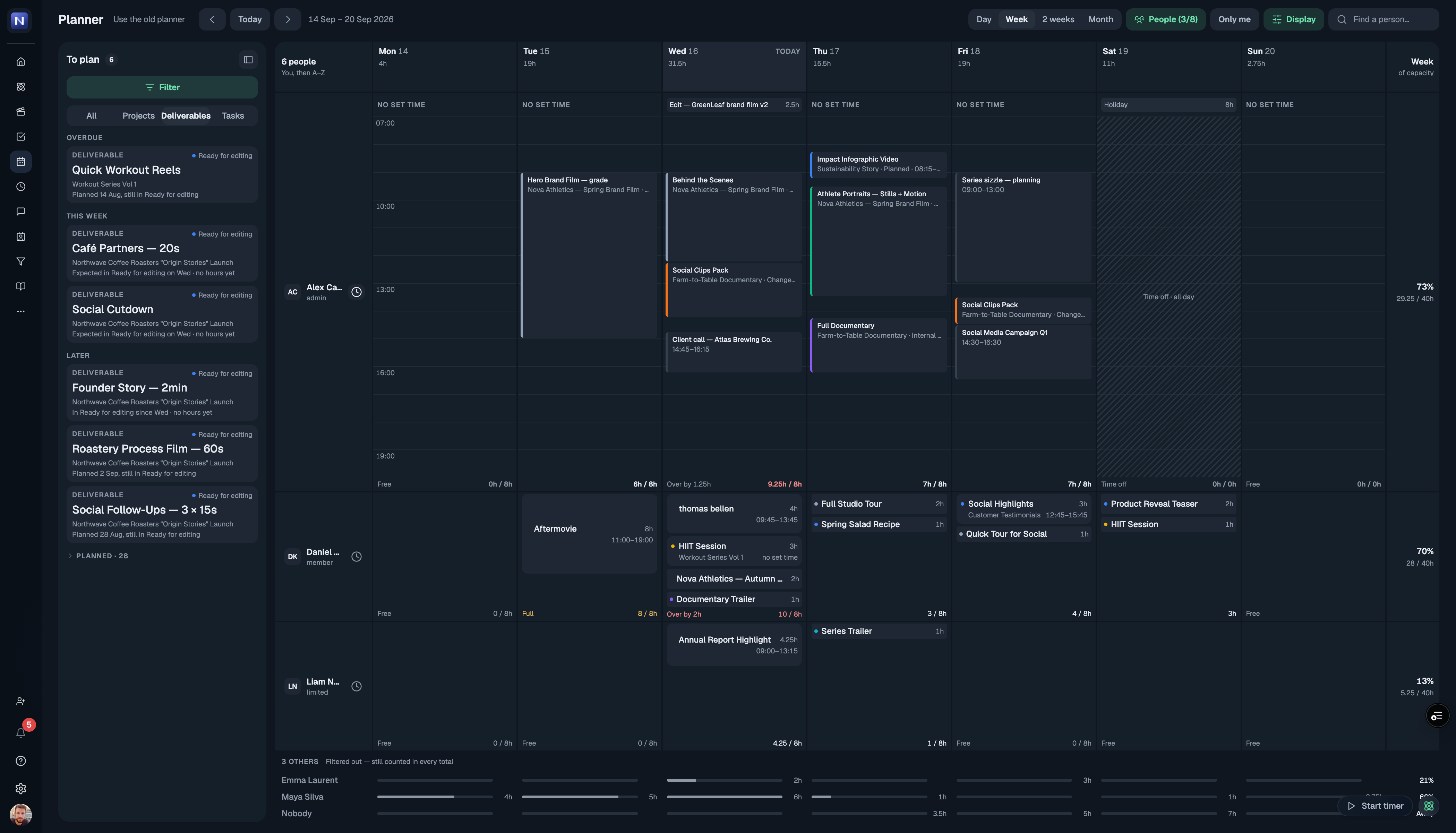
Planning now opens on the rebuilt planner. Same data, same blocks — but built for the part that was hardest before: seeing a whole team's week at once, and planning complex work across it.
That is the real change. Most calendar tools are built for one person's day and start to fall apart the moment you put a team in them — everyone gets squeezed into rows until nothing is readable, and the one thing you opened it for, who is free and who is drowning, is the thing you cannot see. For a production company that is the whole job. So the new planner is designed for it from the start: every person's week legible at a glance, capacity visible while you plan rather than after, and the detail still there when you go looking for it.
Open anyone's week without leaving the team view
Every person is one row. Click the clock beside their name and that row unfolds into their actual week — real hours, real blocks — while the rest of the team stays exactly where it was. Click it again and it folds back.
Plan several things at once
Pick as many deliverables as you need from the To plan list and drop them onto a day together. They all land, each as its own block, on the person you dropped them on.
Two ways to read a day
Some people think in people, some think in hours. The Day view does both: people across the top with the hours running sideways, or the clock down the side with people as columns. One toggle, same day.
Also new
A clearer grid that stays readable with bigger teams on it
Filter the To plan list by status, client and company, so you can ask "what is still unplanned for this client?" and get an answer
Drag a block to move it, pull its edge to change the hours
Capacity on every row and every day, so an overbooked week says so before you find out the hard way
Prefer the old one for now?
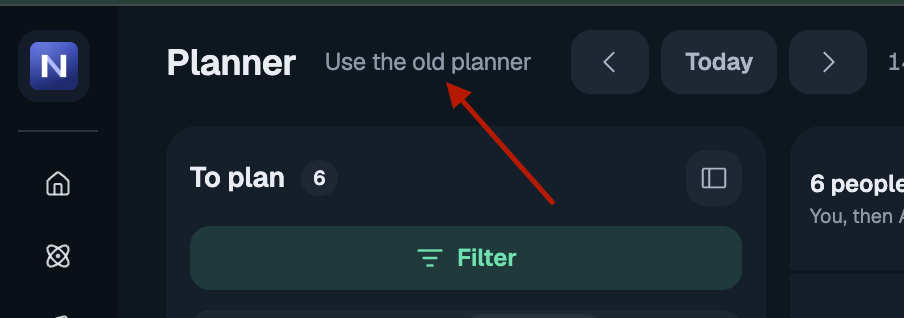
Use the old planner sits next to the page title and switches you straight back. The old planner retires on 23 September.
Tell us what you think
This is a big change and we would genuinely like to hear how it lands — what works, what is missing, what you would do differently. Message us on Google Chat, we are one message away. If you do switch back to the old planner, the box on that switch is the fastest way to tell us why. Both go straight to the people building it, and it is what decides what we fix first.